
 View full size ↗
Start with demand
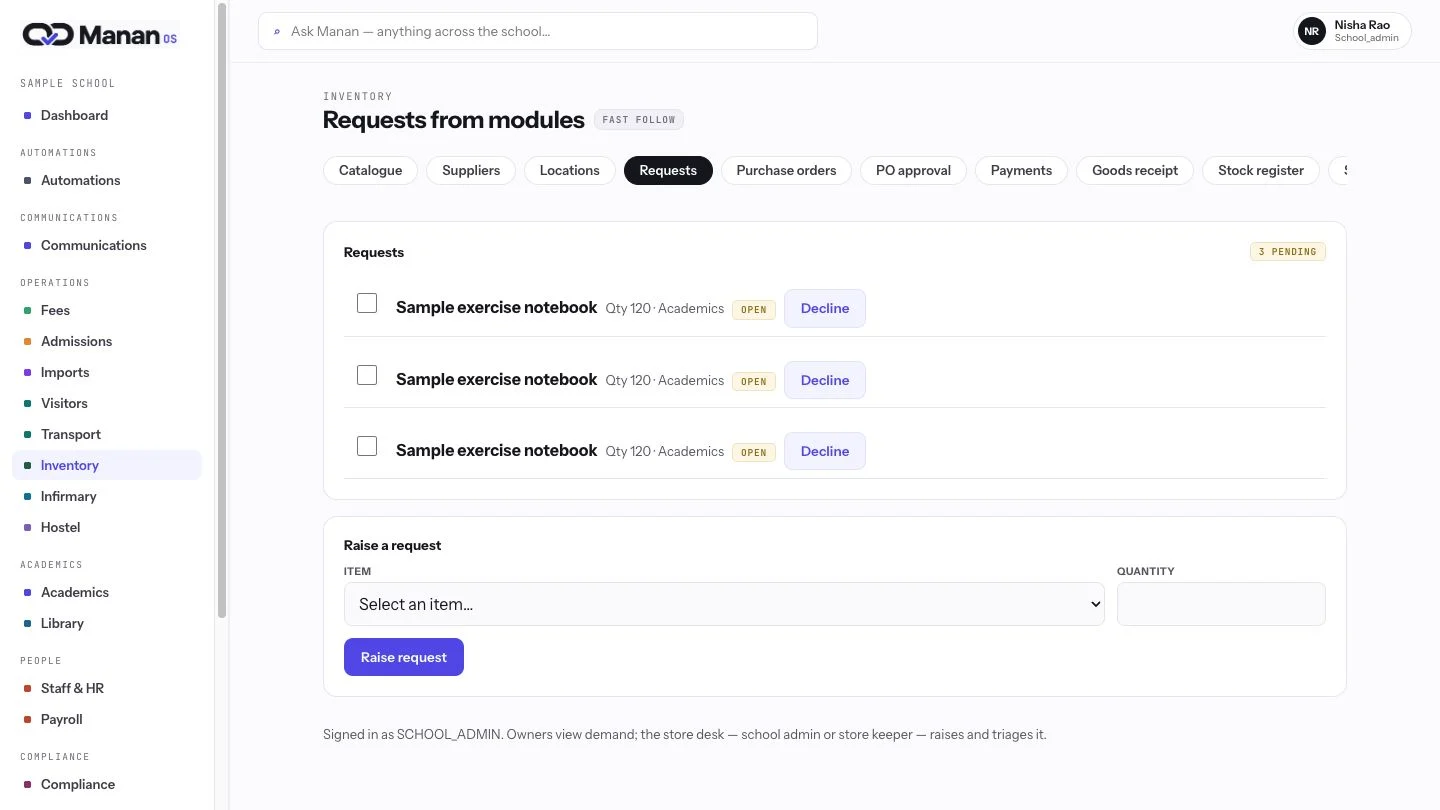
A classroom request enters one shared queue with the item, quantity, source and status. The team sees what is needed before purchasing starts for their team.
Follow a school purchase from request to custody.
View full size ↗A classroom request enters one shared queue with the item, quantity, source and status. The team sees what is needed before purchasing starts for their team.
 View full size ↗
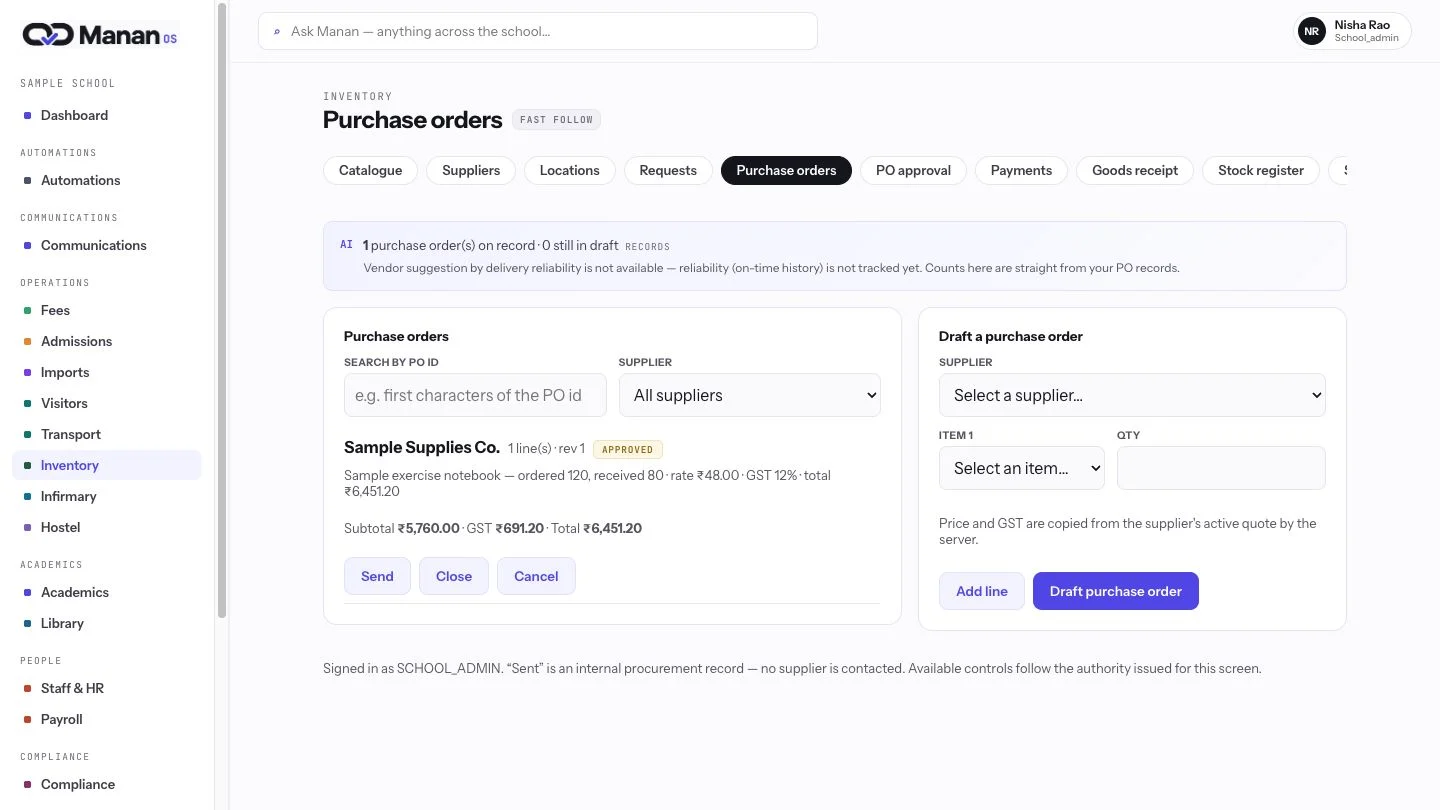
The purchase order keeps supplier, quantities, delivery date and approved amounts together. Staff can review the record instead of reconciling scattered messages and sheets for daily decisions.
 View full size ↗
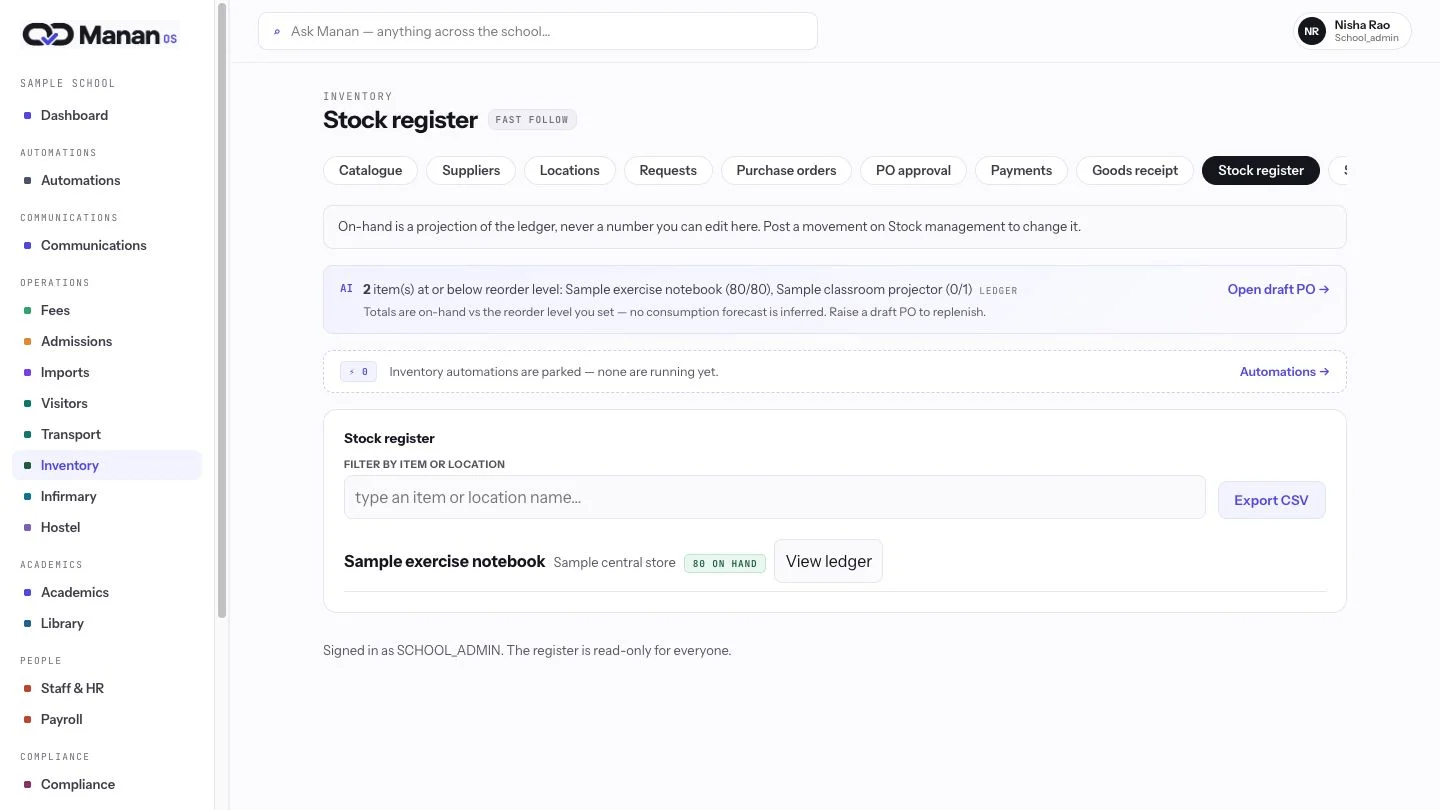
The stock view brings on-hand quantities and locations into daily operations. It gives the school a current starting point for replenishment and classroom readiness each morning.
